
How to Set Up ChatGPT Ads: A Complete A–Z Guide for Businesses in Vietnam
Since 24 September 2026, businesses in Vietnam have been able to create and run ads directly inside ChatGPT through OpenAI Ads Manager. It is the first ad channel that reaches customers at the exact moment they are asking AI to research, compare and decide – not while they scroll social media or type a few keywords into Google.
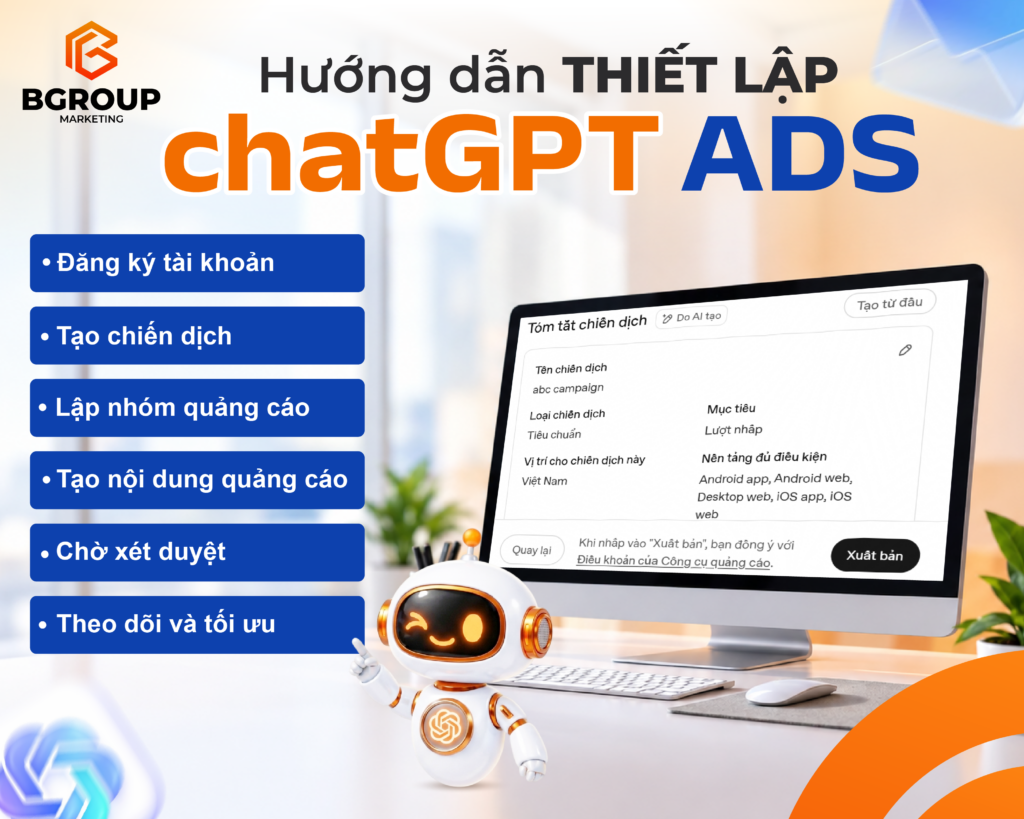
This guide walks you through how to set up ChatGPT Ads in 6 steps: register an account, create a campaign, build ad groups, write your ads, wait for review, then track and optimise – with a real example and the mistakes beginners make most often. For the bigger picture of this new channel, read ChatGPT Ads: Has a New Era of Advertising Begun?
What are ChatGPT Ads?
ChatGPT Ads is OpenAI’s advertising platform. Sponsored, clearly labelled ads appear directly below ChatGPT’s answers. The system chooses ads based on the context and intent of the conversation, the ad content, the landing page and the “context hints” provided by the advertiser.
Who sees the ads? ChatGPT users on the Free and Go plans. Ads are not shown to Plus, Pro, business plan users or accounts under 18.
Each ad includes: advertiser name, favicon (logo), headline, description, image and landing page.
How are ChatGPT Ads different from Google Ads?
| Criteria | Google Search Ads | ChatGPT Ads |
|---|---|---|
| Targeting | Keywords with exact/phrase match | Conversation context + context hints (no exact keyword match) |
| When you reach users | When they type a search | While they chat, ask and compare with AI |
| Structure | Campaign → Ad group → Ad | Campaign → Ad group → Ad |
| Pricing | CPC, CPM, CPA… | Per impression (CPM) or per valid click (CPC/oCPC) |
The biggest difference: you don’t “buy keywords”. You describe the conversations your ads should appear in, and the system matches your ads to relevant chats. That is also why businesses should invest in AEO – optimising to be mentioned by AI alongside advertising.
What do you need before running ChatGPT Ads?
Before you learn how to set up ChatGPT Ads, have these ready so you can finish registration in one go:
- Your company’s legal name and tax ID.
- A payment card (international credit/debit card).
- A sharp favicon/logo – it appears next to your brand name on every ad.
- Landing pages that match each service and load fast on mobile.
- Measurement tools: Google Analytics 4 (GA4) and/or OpenAI conversion tracking.
Note for businesses working with an agency: OpenAI recommends that the ad account be created by the business itself; agencies are added as users of the account rather than creating accounts on behalf of clients.
How to set up ChatGPT Ads in 6 steps
Step 1: Register an ad account
Go to ads.openai.com and sign in. Enter your business details (legal name, tax ID), upload your favicon, confirm the brand name shown on your ads and add a payment method. Once approved, you can open Ads Manager and create campaigns.
Do this right away: install conversion tracking (see developers.openai.com/ads) or connect GA4. A campaign you cannot measure is almost impossible to optimise.
Step 2: Create a campaign
A campaign is the top level and should represent one business goal. Ads Manager lets you create campaigns step by step, upload them in bulk with a template, or let AI draft a campaign summary that you then edit. Settings to configure:
- Campaign name: keep it clear, e.g. “BG – Team building – Nov 2026”.
- Objective: Reach (pay per impression), Clicks (drive website traffic) or Conversions (optimise for actions such as quote requests – still billed per valid click).
- Budget: daily or lifetime; start and end dates.
- Location: choose Vietnam or the markets you want to reach.
- Platforms: Android app, Android web, Desktop web, iOS app, iOS web.
Step 3: Build ad groups
This is the most important step – it decides which conversations your ads appear in. Each ad group should match one need or one customer segment. Here you set:
- Maximum bid: max CPM (Reach objective) or max CPC (Clicks objective). OpenAI suggests starting at around USD 3–5 per click, then adjusting based on the bid competitiveness guidance in Ads Manager.
- Context hints: describe, in natural language, the conversations, topics or keywords your service fits. These are not exact-match keywords, so write them the way real customers ask ChatGPT.
- Default landing page URL and tracking parameters. You can use dynamic values such as
{campaign_id},{ad_group_id},{ad_id}or static UTMs, e.g.utm_source=chatgpt&utm_medium=cpc. - Custom audiences (optional): upload a CSV list of existing customers’ emails/phone numbers.
Example of a good context hint: “A company looking for a team building and travel organiser for 50–200 employees in Hue or Da Nang, needing an all-inclusive quote.”
Step 4: Write your ads
Each ad has a headline, description, image and landing page. Create 3–5 different versions per ad group (different angles: price, experience, scale, quote speed) so the system has more options to match with relevant conversations.
Tips for writing ads in ChatGPT:
- Write like a helpful answer, not a sales banner.
- State concrete benefits with numbers: events delivered, quote turnaround time, group sizes served.
- Make sure the landing page delivers exactly what the ad promises – it is also a relevance signal for the system.
Step 5: Submit and wait for review
Review your campaign summary (name, type, objective, location, platforms), then click Publish – which means you accept the Ads Tools Terms. Ads are reviewed against OpenAI’s Ad Policies before delivery. Misleading content, exaggerated claims or restricted industries are likely to be rejected.
Step 6: Track and optimise
Ads Manager reports impressions, clicks, spend, CTR, average CPC, average CPM and conversions; you can view them by campaign, ad group or ad and export to CSV. Impressions and clicks update within minutes, while spend data can take longer.
How to optimise after the first 1–2 weeks:
- Pause ad groups with no impressions or very low CTR; rewrite their context hints to be more specific.
- Raise bids for ad groups that convert well but have limited delivery.
- Replace weak headlines/images and keep the winning versions.
- Compare with GA4 to judge traffic quality (time on page, form submission rate). Knowing how to set up ChatGPT Ads is only the start – steady optimisation is what drives results.
Example: a ChatGPT Ads campaign structure for an event company
To see how to set up ChatGPT Ads in practice, here is one campaign with a Conversions objective (quote form submissions), split into 3 ad groups for 3 different needs:
| Ad group | Context hint (sample) | Ad angle | Landing page |
|---|---|---|---|
| Year end party / Gala dinner | A company planning a year end party or gala dinner for 100–500 guests, needing theme ideas, stage, MC and an all-inclusive quote | End-to-end from concept to delivery, fast quotes | Gala dinner & year end party services |
| Team building – corporate trip | A company looking for destinations and an organiser for team building or incentive trips with conferences in Hue, Da Nang, Hoi An | Sample itineraries, group sizes, real experience | Team building & corporate trip services |
| Conferences, seminars, corporate events | Looking for a company to organise conferences, seminars, grand openings or product launches in Central Vietnam and major cities | Past projects, professional process | Event projects we have delivered |
This split gives each ad group focused context hints, ads that match the need, and the right service landing page – the three factors that decide your ad’s relevance.
5 common mistakes when running ChatGPT Ads
- Putting every service in one ad group – context hints become diluted and ads show in the wrong conversations.
- Writing context hints like a Google keyword list – describe customer situations and needs instead.
- Having only one ad – the system has few options and it is hard to find a winning message.
- Sending traffic to the homepage – instead of the service page that matches the ad.
- Skipping conversion tracking – judging by clicks alone easily leads to wrong conclusions.
Frequently asked questions about ChatGPT Ads
Are ChatGPT Ads available in Vietnam?
Yes. OpenAI launched ChatGPT Ads in Vietnam on 24 September 2026, together with Singapore, Indonesia, Malaysia, the Philippines, Thailand and Taiwan. Eligible businesses can create and manage campaigns themselves in Ads Manager.
How much does it cost to advertise on ChatGPT?
You set a maximum bid at the ad group level. For click-based campaigns, OpenAI suggests starting at around USD 3–5 per click; actual cost depends on competition and ad relevance (a relevance-weighted second-price auction).
Do ads change ChatGPT’s answers?
No. Ads are shown separately below the answer and are labelled as sponsored.
Which objective should I choose for my first campaign?
If your website already tracks conversions, choose Conversions. If not, start with Clicks to collect data and add UTMs to track traffic in GA4.
Need help running ChatGPT Ads?
ChatGPT Ads is a new channel, and its targeting works very differently from Google or Facebook. If your business wants to test it but is unsure how to set up ChatGPT Ads or has no dedicated team, BGroup Marketing can help with campaign structure, context hints, ad copy, tracking and optimisation. Contact BGroup for a consultation.
Sources: OpenAI Help Center, Search Engine Land.